To upload a resume to TrueApply, open your Profile page and choose a PDF or DOCX. TrueApply extracts a reviewable profile from the file. Check the extracted details before using the profile for related jobs or tailored drafts.
Key takeaways
The profile page accepts PDF and DOCX files.
The upload is parsed before the profile is shown.
Uncertain facts remain visible for review; the app does not silently treat them as confirmed.
Upload your file
Sign in and open your Profile page.
If you do not have a profile, use Choose file under Upload your resume. If a profile is already loaded, use Add another profile to upload a separate resume. The page supports up to three profiles.
Select a PDF or DOCX file, no larger than 10 MB, and wait while the page shows Parsing your resume...
Read the extracted profile. Check your contact details, job titles, employers, dates, education and skills against your original resume.
If the profile asks for a fact review, review the flagged details. When the facts are correct, use the confirmation control shown on the page. Confirm your target role when prompted before continuing to related jobs.
The upload control accepts .pdf and .docx files, and the API rejects files above 10 MB. The upload panel states that the original file is discarded after parsing and your profile remains in your private workspace. That does not mean the extracted profile has been deleted.
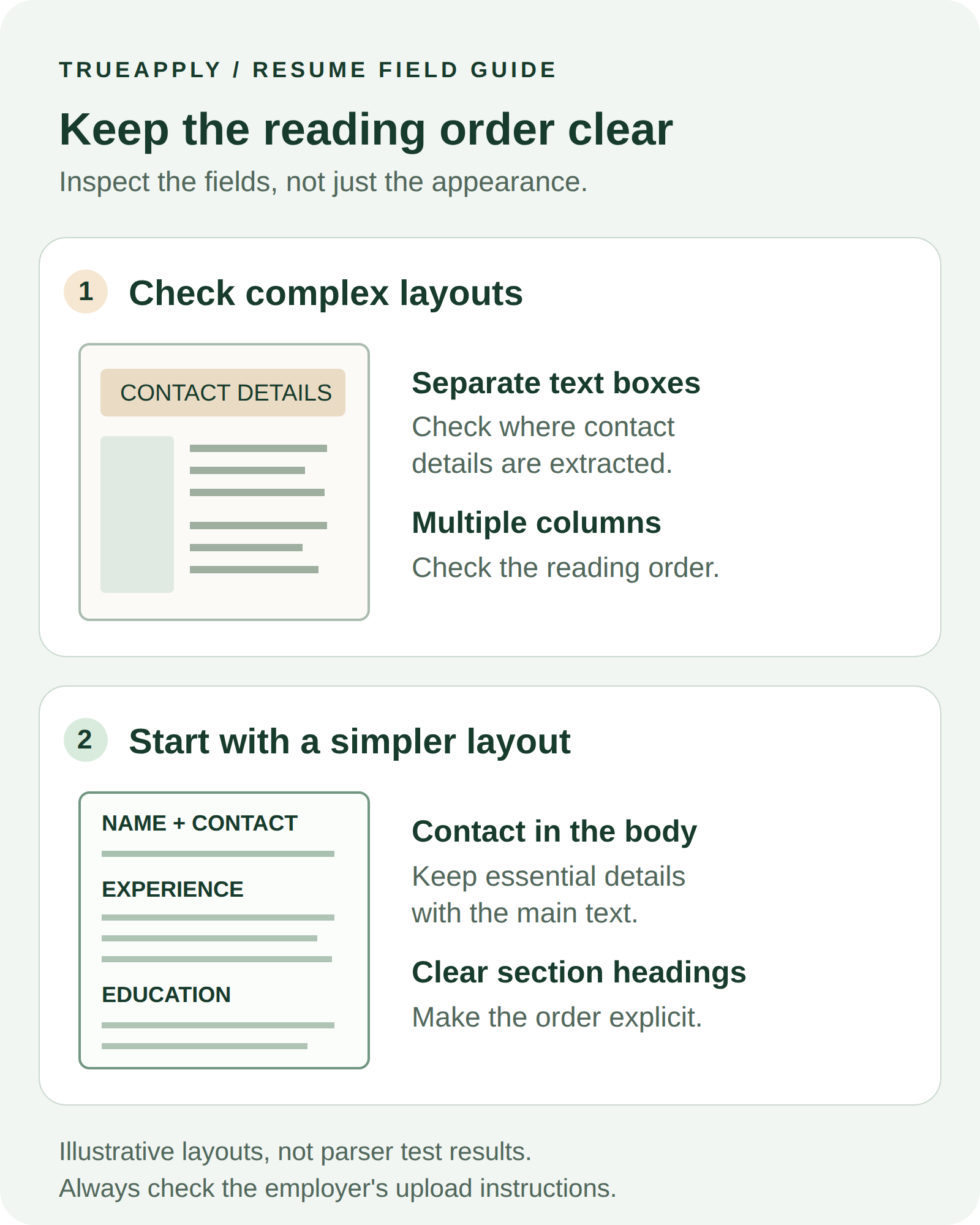
If an upload fails, read the error before trying again. Check the file type and size first. Do not change your career facts to work around a parsing problem. For general file-layout checks, see ATS resume formatting: check what the parser actually reads.
What to check after parsing
Review the extracted identity, experience, education, skills and evidence-linked bullets. Keep a copy of your original resume available for comparison. A readable profile still needs your review: pay particular attention to which employer, role and dates belong together.
Open Technical parsing details if you want to inspect the warnings and diagnostics: Canonical text, Structured facts, Required sections and Parse confidence. These describe this parse. They are not a universal ATS score, a guarantee of completeness or a prediction of an employer’s decision.
The page distinguishes flagged facts from facts that passed its checks. If you choose Continue as-is, read the confirmation carefully. Continuing does not establish that an uncertain detail is true.
Which files can I upload?
The current upload control accepts PDF and DOCX files. Image-only resume support is not presented as part of this flow.
Does uploading confirm every extracted fact?
No. Check the extracted profile against your original resume. Review flagged facts and use the explicit confirmation controls when the details are correct. A parser diagnostic or a continuation choice is not independent verification of your career history.